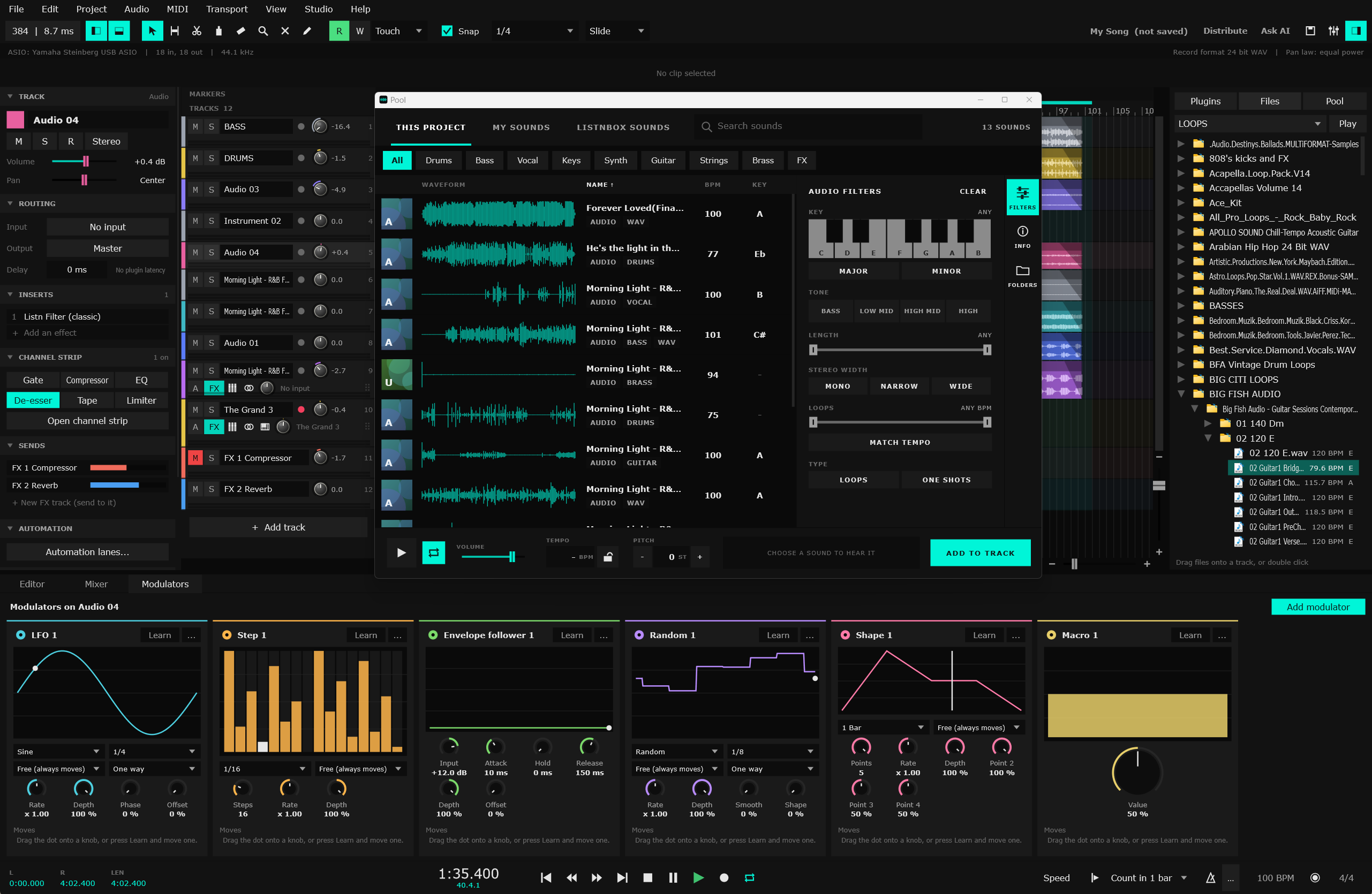
Download
Get Listn Studio.
Get the Listn Studio Download Assistant. Sign in, or type in your license key, and it installs Listn Studio and Seripa and keeps them up to date.
Windows
Windows 10 and 11, with ASIO
- Install and open the Download Assistant.
- Sign in with your listnstudio.com account, or type in your license key.
- It downloads and installs Listn Studio and Seripa, with their sounds, and keeps them up to date.
macOS
For Mac, with Core Audio
For your tablet or phone
Listn Studio Remote
A free app for Android, iPhone and iPad that controls Listn Studio over your Wi-Fi: the transport, the mixer with its meters, drum pads and steps, and markers. Start your own takes from the booth, or mix with your fingers.
Android
iPhone and iPad
Set it up
- On the tablet or phone, open this page and get the app: the APK for Android, or the App Store for iPhone and iPad.
- On Android, open the file. If Android asks, allow installs from your browser, then tap Install.
- In Listn Studio, open Studio > Listn Studio Remote and press On. Keep the tablet or phone on the same Wi-Fi as the computer.
- Open the app, tap your computer, and type the pairing code.
Your plugins
VST3 and AU, plus every Listn plugin.
Your projects
Opens DAWproject, Reaper and Ableton Live projects.
Your account
Sign in from the Start hub in the app. Your license is checked when you do.